

The Lab
limited spotsUsing AI the Right Way
Workshop for Kids & Parents
AI is everywhere — in school, phones, apps and games. The real question isn't if kids will use it, but how we teach them to use it safely, ethically and wisely. This hands-on workshop helps kids understand AI, think critically and build good digital habits for the future.
- Date
- Sunday 11 October 2026
- Venue
- Penrith Library, Penrith NSW 2750
- Sessions
- 120 minutes, 11am
Sydney based and we travel. See what is in the session.
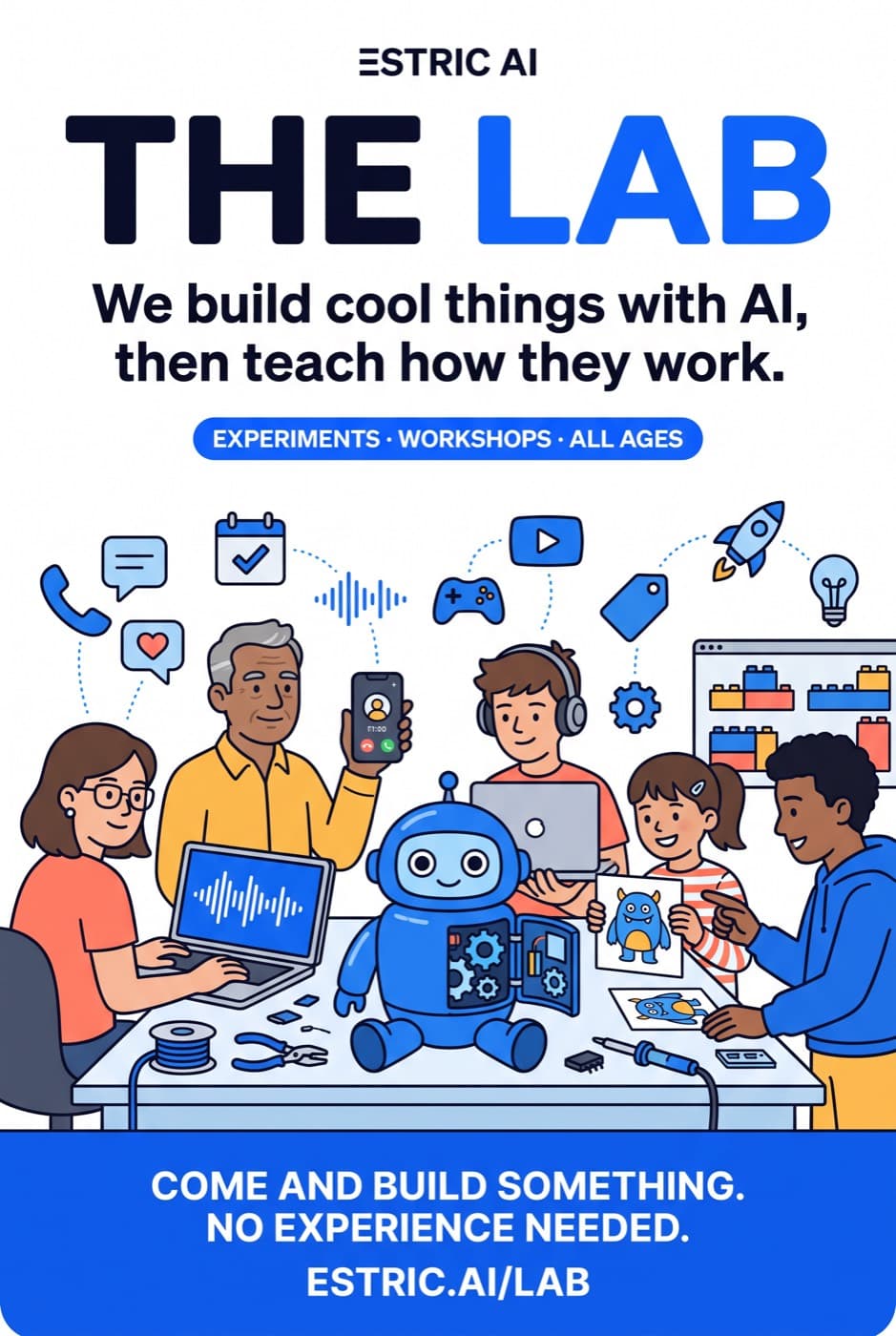
One workshop, hands on
Make something real in the room, then work out what the machine is actually doing. Seats are booked one at a time.
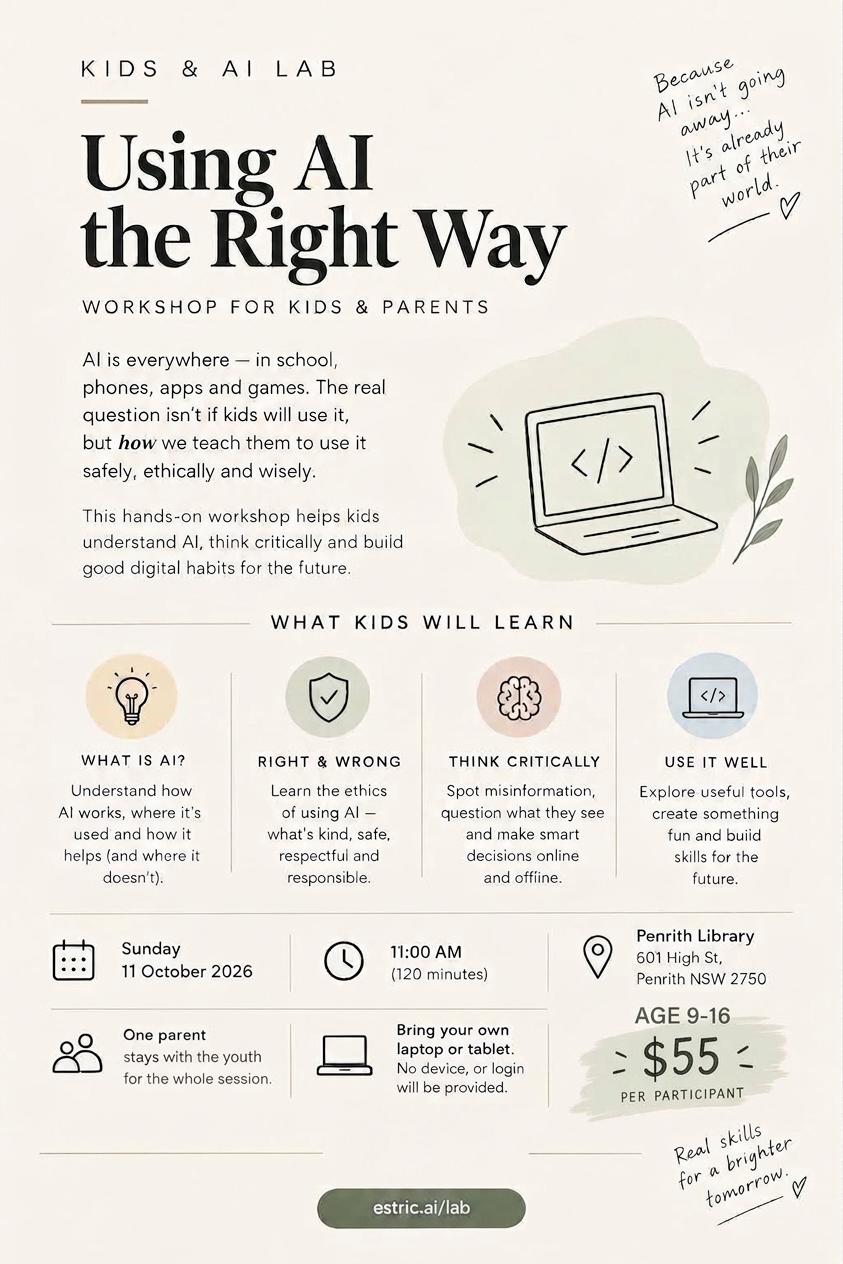
Kids AI Lab
$55 per participant
Imagine It. Build It. With AI.
A fun, hands-on workshop where kids explore how AI works, learn how to use it creatively, and build their own game, website or app with AI.
- Ages
- Ages 9-16
- Time
- 11:00 AM, 90 minutes
- Date
- Sunday 11 October 2026
- Venue
- Penrith Library601 High St, Penrith NSW 2750
What is inside
- What is AI?Understand how AI works, where it’s used and how it helps (and where it doesn’t).
- Right & WrongLearn the ethics of using AI — what’s kind, safe, respectful and responsible.
- Think CriticallySpot misinformation, question what they see and make smart decisions online and offline.
- Use It WellExplore useful tools, create something fun and build skills for the future.
- Ages 9-12: a parent should join to help during the workshop. Older participants can work independently, with parents welcome to stay.
- Bring your own laptop or tablet. Devices and account logins will not be provided.
Bring a laptop or tablet. Everything runs in the browser, and every tool used on the day is free to keep using afterwards.
What they walk out with
Four things, all of them real, all of them theirs. Nothing here is a worksheet.
Something that actually works
A game, website or app, built in the room from one idea, live on a link before they leave.
A working idea of what AI is
Not a definition to recite. Enough of a model that the next weird answer makes sense instead of being magic.
A lie detector for AI
They watch it answer confidently about something that never existed, and leave with four rules for checking.
The habit of asking better
Vague in, generic out. They see the same prompt run twice, sloppy then specific, and the difference is theirs to spot.
Four ideas, taught by doing
The lab teaches all four. The making is how they land, not a reward for sitting through the theory.
The upside
Fast, tireless, willing to try anything
Good for first drafts, boring jobs and getting unstuck. Proved by racing it, and by noticing which rounds a human still wins.
The downside
It guesses, and it never says "I don't know"
Demonstrated, not slides: an invented festival, a classifier that is confidently wrong, and a look at who it assumes a doctor is.
The present
They used AI a hundred times this week
Recommended videos, filters, voice assistants, maps, autocorrect, self-checkout cameras. Nobody told them. Now they can name it.
The future
The deciding parts stay human
The boring parts get automated, being good at asking becomes the skill, and someone still has to answer for what the machine does.
The rules card they take home
- 1It guesses. Check anything that matters.
- 2It never says "I don't know".
- 3Never tell it your real name, address, school or password.
- 4If a person made it, a person is responsible for it.
Good robot, bad robot: the lesson deck
Twenty-one slides on what AI is brilliant at and where it lies, with the facilitator script in the presenter notes. Free to run at your school or library.
How we run it
The part parents ask about first
AI tools are not built for children. That is a design constraint on the lab, not something to work around quietly.
No child accounts, ever
Almost every AI tool sets a minimum age of 13 or 18 in its terms. Everyone works on a lab device signed in to a facilitator account. Nobody signs up, nobody hands over an email.
No faces, no personal details
We never upload a child’s photo, name, school or address to any AI model. Creatures, drawings, hands and objects only.
Written consent up front
One short form covers photography and the take-home links. Anything made in the room belongs to the person who made it, and lab accounts are wiped after the session.
A small room, watched closely
Small groups with an adult facilitator on the floor the whole time, on a filtered network, with only the tools on the lesson plan reachable.
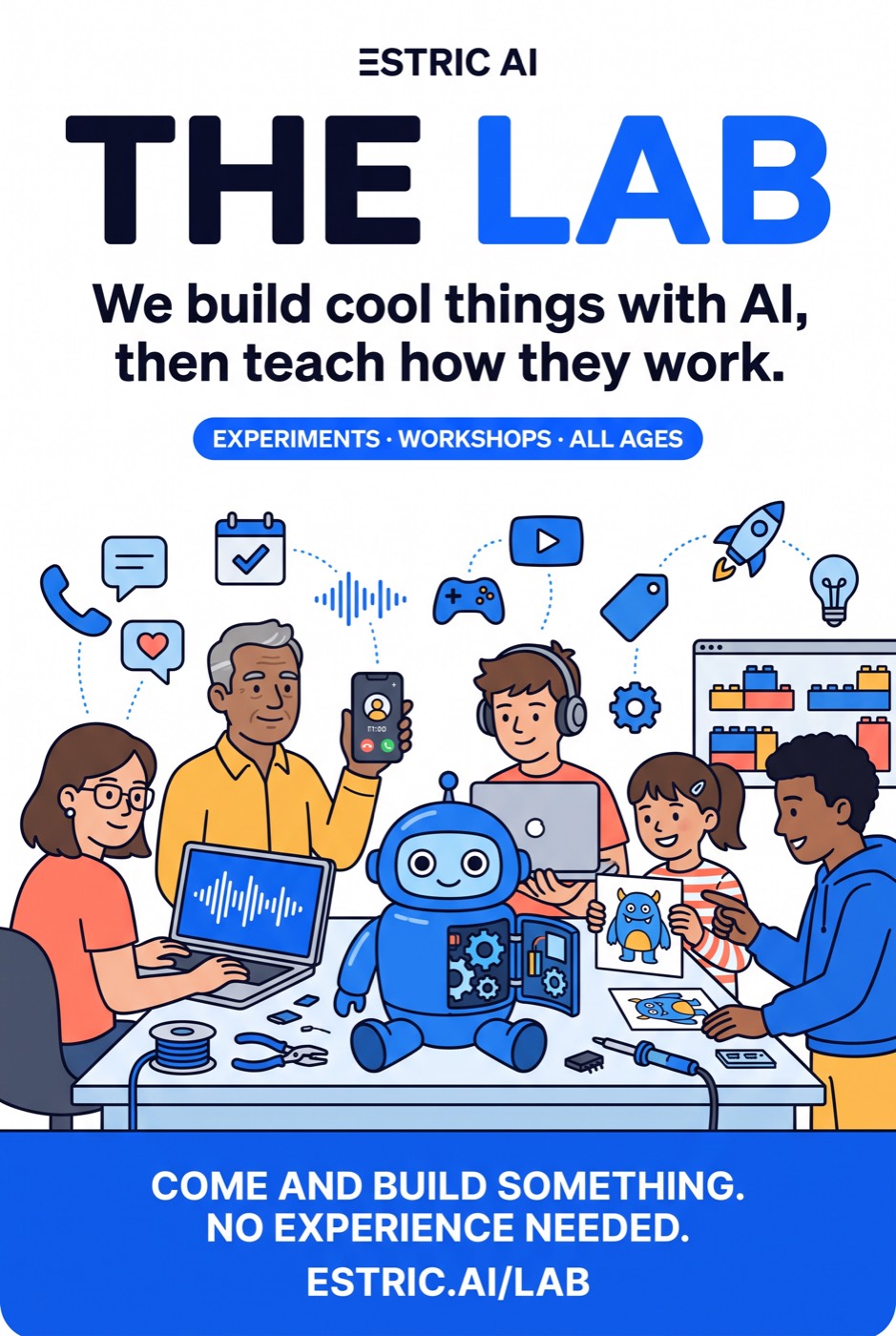
Posters
Hosting a lab at a school, library, co-working space or community centre? Print these. Ask us and we will send the full resolution files with your dates on them.
Questions
What is the Kids AI Lab?
A 120 minute hands-on workshop for ages 9 to 16. They explore how AI works, learn how to use it creatively, and build their own game, website or app with AI. Nothing is a lecture and nothing is a worksheet.
When and where does it run, and what does it cost?
Penrith Library, 601 High St, Penrith NSW 2750, on Sunday 11 October 2026 at 11am. $55 per participant, 120 minutes, every seat booked and paid for individually. Spaces are limited.
Does my child need to know how to code?
No. There is no coding in the lab. The skill being taught is describing what you want clearly and then checking what came back, which is the part that transfers to everything else.
Do I need to stay with my child?
For ages 9 to 12, yes: a parent should join to help during the workshop. Older participants can work independently, with parents welcome to stay.
What do we need to bring?
A laptop or tablet, that is all. Devices and account logins will not be provided. Everything else runs in the browser and every tool used on the day is free to keep using afterwards.
Do the kids need their own AI accounts?
No, and they will not be given one. Most AI tools require users to be 13 or 18 and over. Everyone works on a lab device signed in to a facilitator account, so no child ever creates an account or hands over personal details.
Is it safe? What about the data?
We never upload a child’s photo, name, school or address to an AI model. Sessions run on a filtered network with only the tools on the lesson plan reachable, an adult facilitator is present throughout, a written consent form covers photography and take-home links, and lab accounts are wiped after the session.
What if we cannot make 11 October?
Get in touch and we will let you know the next date first. The lab runs again, and it travels.
Can you run the lab at our school or workplace?
Yes. The lab travels, and we will put your dates and your logo on the posters. Schools, libraries, community groups and holiday programs all work.
Spaces are limited
Penrith Library, Sunday 11 October 2026, 11am. Booking takes about a minute, and a seat is only held once it is paid for.
Want it at your school, library or holiday program? Get in touch or email [email protected].